
Practical Tips for Setting Boundaries with Notifications

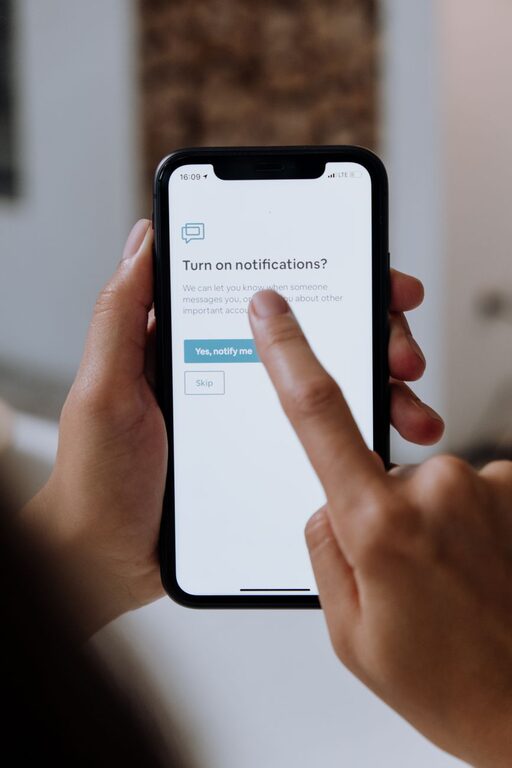
In today’s connected world, notifications from our devices can quickly become overwhelming. While they keep us informed and connected, too many alerts can disrupt our focus and add unnecessary stress. Setting clear boundaries with notifications is essential for maintaining productivity and well-being. This blog post explores practical tips to help you manage notifications effectively so you can regain control over your attention and time.
Why Setting Boundaries with Notifications Matters
Notifications are designed to capture your attention — often immediately. Without boundaries, they can interrupt your workflow, reduce concentration, and interfere with restful downtime. Establishing limits on when and how you receive notifications helps you:
– Protect your focused work sessions
– Prevent constant distractions
– Improve your overall digital wellness
– Maintain a healthy balance between work and personal life
Assess Your Current Notification Habits
Before making changes, it’s helpful to understand your current notification patterns. Consider:
– Which apps send the most notifications?
– How often do you check your phone or computer when prompted?
– Are there alerts you rarely act on or find unimportant?
Taking stock can reveal which notifications deserve your attention and which can be eliminated or deferred.
Tips for Setting Boundaries with Notifications
1. Customize Notification Settings by Priority
Most devices and apps allow you to customize notification preferences. Take advantage of this by:
– Turning off non-essential notifications
– Enabling alerts only for urgent or high-priority events
– Using “silent” notifications to avoid sound or vibration distractions
For example, you might allow messaging apps to notify you but mute social media updates during work hours.
2. Use Do Not Disturb or Focus Modes
Both smartphones and computers offer “Do Not Disturb” or similar focus modes that temporarily suppress notifications. Use these features to:
– Create uninterrupted blocks of time for deep work
– Avoid distractions during meetings or family time
– Ensure restful sleep without notification disturbances
Set schedules for these modes to automatically activate during regular routines.
3. Schedule Specific Times to Check Notifications
Establish routines for when you review notifications rather than responding immediately to each alert. For instance:
– Check emails and messages only a few times per day
– Batch process notifications during breaks
– Turn off push notifications outside these scheduled times
This approach reduces the habit of constant checking and helps focus on the task at hand.
4. Prioritize Essential Communication Channels
Not all notifications are equal. Decide which communication platforms are essential for immediate responses (e.g., work email, direct messages) and which can be checked less frequently (e.g., newsletters, social media). This clarity helps reduce unnecessary interruptions.
5. Use Notification Summary Features
Some devices offer notification summaries that bundle less urgent alerts to be delivered at specific times. This reduces the steady stream of individual notifications and allows you to process updates in one go.
6. Inform Others About Your Boundaries
Communicate your notification preferences to colleagues, friends, and family. For example, let them know your “quiet hours” when you won’t respond immediately. Setting these expectations can reduce pressure to reply instantly.
7. Declutter Your Apps and Devices
Regularly review the apps installed on your devices. Uninstall or disable apps that send frequent, unnecessary notifications. A leaner app list often means fewer notifications overall.
8. Use Visual or Auditory Cues Sparingly
Some notifications use sound or vibration to draw attention. Consider turning these off or using subtle visual cues instead to minimize disruption.
Additional Strategies for Maintaining Notification Boundaries
Create a Focus-Friendly Environment
Combine notification management with other tactics like:
– Turning your device face down during focus periods
– Setting physical boundaries such as keeping your phone in another room
– Using noise-canceling headphones or ambient music to reduce distractions
Regularly Reassess and Adjust
Your needs may change over time. Periodically revisit your notification settings and routines to ensure they still support your productivity and well-being.
Conclusion
Managing notifications effectively is a key step towards reducing digital distractions and improving your ability to focus. By customizing notification settings, using focus modes, scheduling checks, and communicating boundaries, you can create a healthier relationship with technology. Start with small changes and adjust as you go—setting clear notification boundaries will help you reclaim your time and attention in today’s busy digital world.